For the complete documentation index, see llms.txt. Markdown versions of all docs pages are available by appending .md to any docs URL.
curl
Test and interact with agentgateway using curl
Test and interact with agentgateway using curl.
Before you begin
- Install the
agentgatewaybinary. - Install curl (pre-installed on macOS and Linux).
Tip
If you manage models and virtual API keys in the standalone UI, Client Setup can generate the connection settings or snippet for this client. Review the gateway URL, select a model and key, choose the client from the Integration dropdown, and copy the recipe. Each recipe uses only the values that its client supports.
Client Setup generates client-side values from existing configuration. It does not create a route, model, authentication policy, virtual key, or provider credential. Follow the steps in this guide to configure those prerequisites or to set up the client manually.
Example agentgateway configuration
You can configure agentgateway in the UI or in your configuration file.
To create the same configuration in the UI, follow these steps.
Set your OpenAI API key, create a configuration file with an empty
llmsection, and start agentgateway. The UI checks that theOPENAI_API_KEYenvironment variable exists when you save the model.export OPENAI_API_KEY='<your-api-key>' cat > config.yaml <<'EOF' llm: models: [] EOF agentgateway -f config.yamlAdd the model.
Open LLM > Models, such as http://localhost:15000/ui/llm/models, and click Add model.
From the Provider dropdown, select OpenAI.
In the Incoming model match field, replace the default
openai/*with*.For the Provider API key, select Env var, and enter
OPENAI_API_KEY.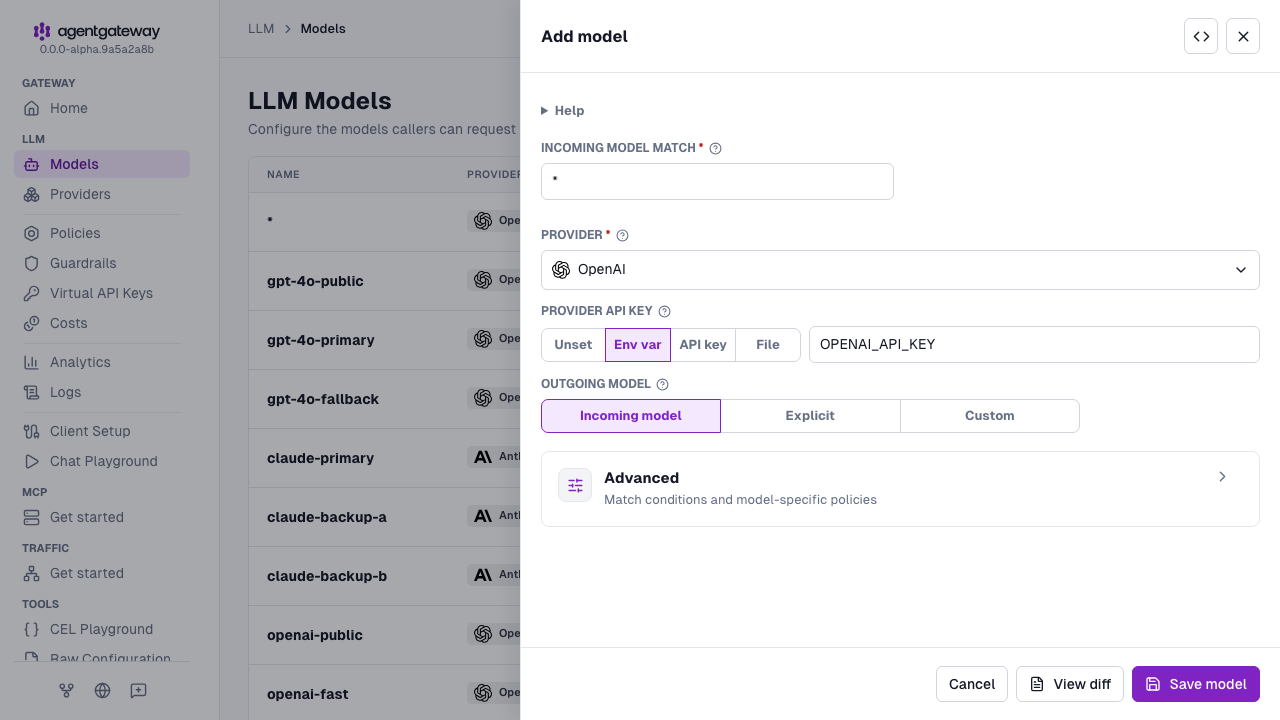
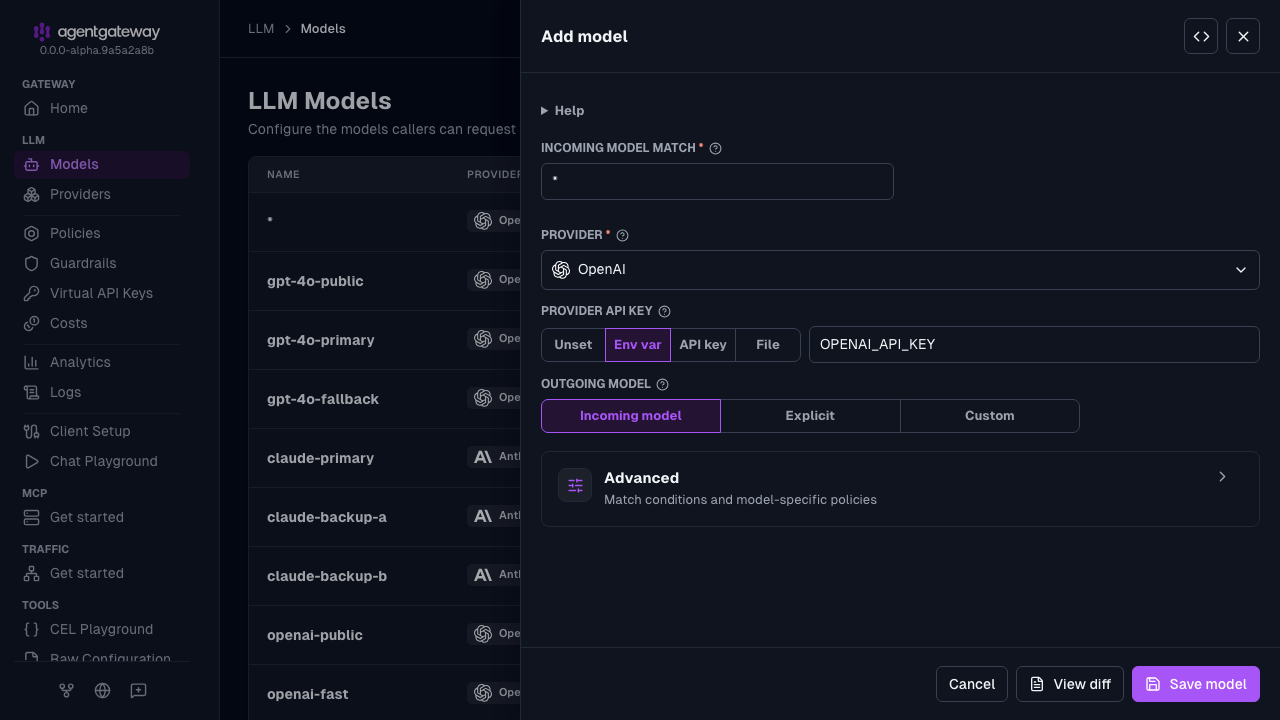
Click Save model.
Serve LLM traffic on port
3000.Open the Gateway Overview page, such as http://localhost:15000/ui/.
On the LLM row, click Settings.
Enter
3000for the Port, and click Save settings.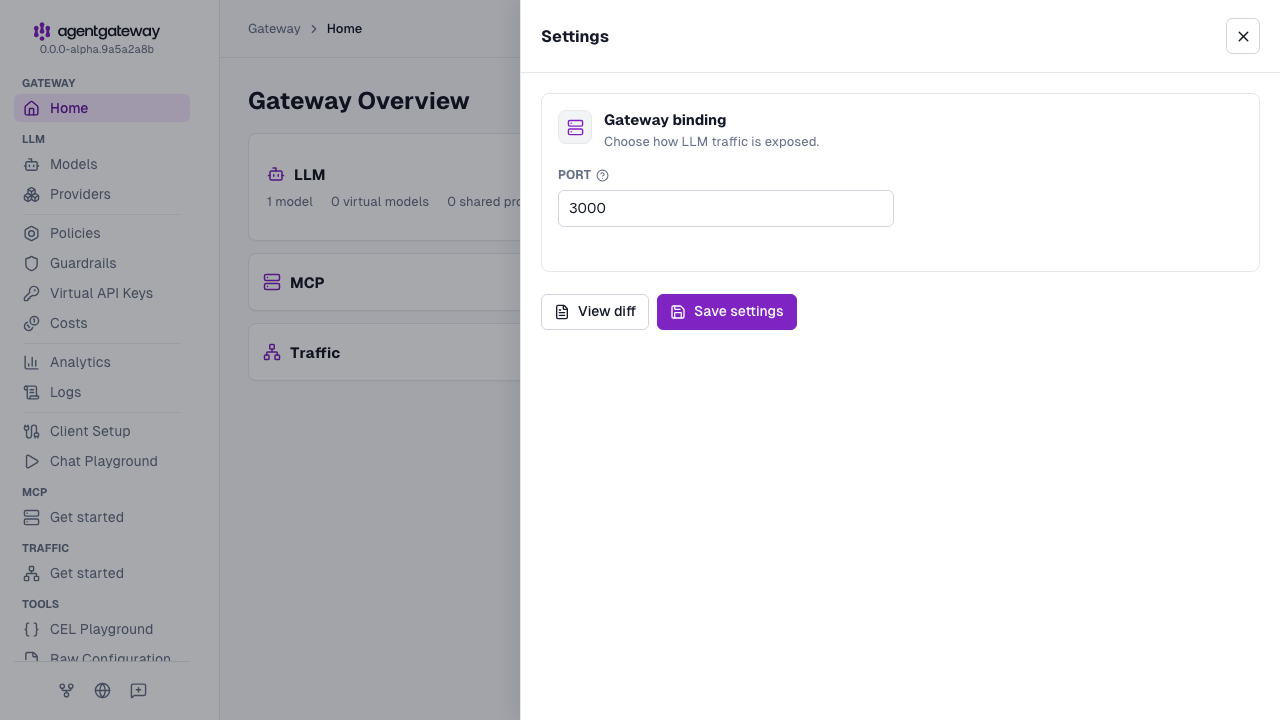
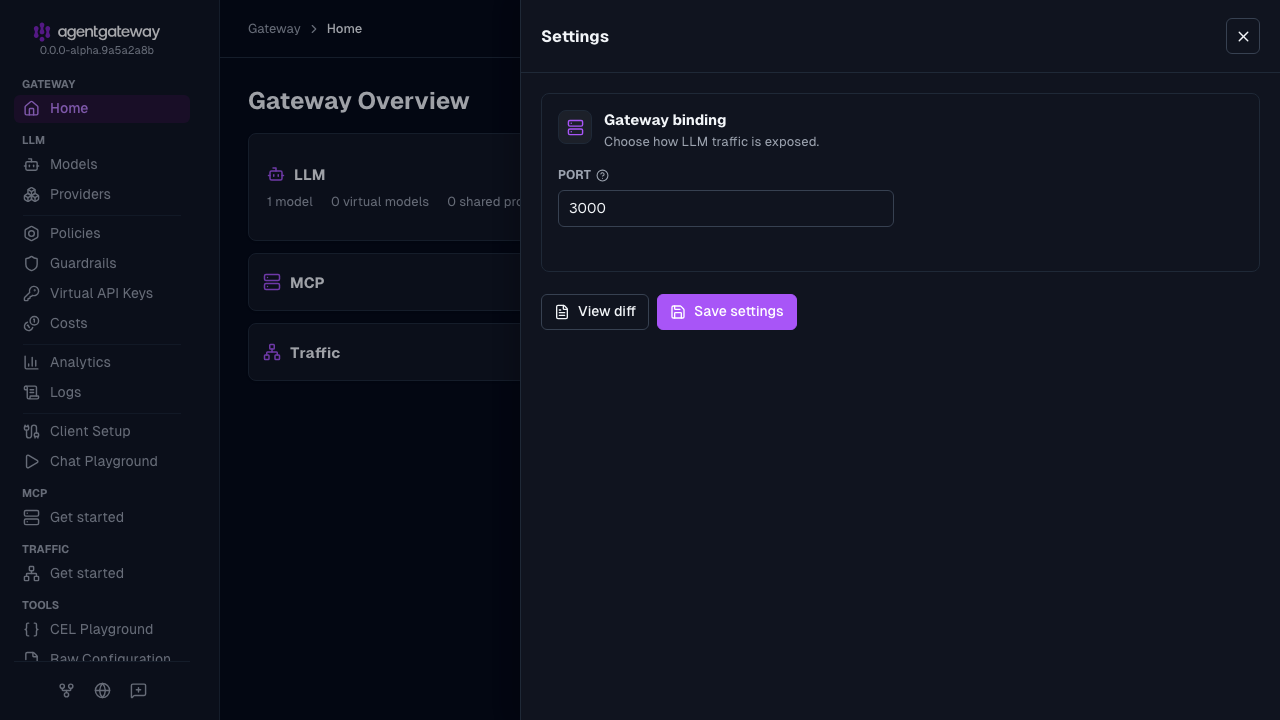
The UI writes the same deprecated llm.port field as the Config file tab, plus an empty llm.gateways list. If your configuration defines gateways, the Settings drawer shows a Gateway dropdown instead of Port, and binds LLM traffic to the gateway that you select. The UI also writes the provider as openai instead of openAI. Agentgateway accepts both values.
Whether the UI can save depends on your storage mode. For more information, see Save changes from the UI.
Send a request
curl http://localhost:3000/v1/chat/completions \
  -H "content-type: application/json" \
  -d '{
    "model": "gpt-4o-mini",
    "messages": [
      {"role": "user", "content": "Hello, how are you?"}
    ]
  }' | jq
Example output:
{
  "id": "chatcmpl-abc123",
  "object": "chat.completion",
  "created": 1677652288,
  "model": "gpt-4o-mini",
  "choices": [
    {
      "index": 0,
      "message": {
        "role": "assistant",
        "content": "I'm doing well, thank you! How can I help you today?"
      },
      "finish_reason": "stop"
    }
  ],
  "usage": {
    "prompt_tokens": 13,
    "completion_tokens": 16,
    "total_tokens": 29
  }
}
Authentication
If agentgateway requires authentication, include an Authorization header.
curl http://localhost:3000/v1/chat/completions \
  -H "content-type: application/json" \
  -H "Authorization: Bearer YOUR_API_KEY" \
  -d '{
    "model": "gpt-4o-mini",
    "messages": [{"role": "user", "content": "Hello"}]
  }' | jq
Streaming responses
Use the -N flag to disable output buffering for streaming.
curl http://localhost:3000/v1/chat/completions \
  -N \
  -H "content-type: application/json" \
  -d '{
    "model": "gpt-4o-mini",
    "messages": [{"role": "user", "content": "Write a haiku about the cloud"}],
    "stream": true
  }'